
Build
Plan it right. Then do it yourself.
AutoRev is the AI mechanic app that knows your exact car. Build shows what your mods will do, what they cost, what fits and what’s legal, and the order to do them in, before you spend money or a weekend.
What it does for you
Your build, planned, bought, installed
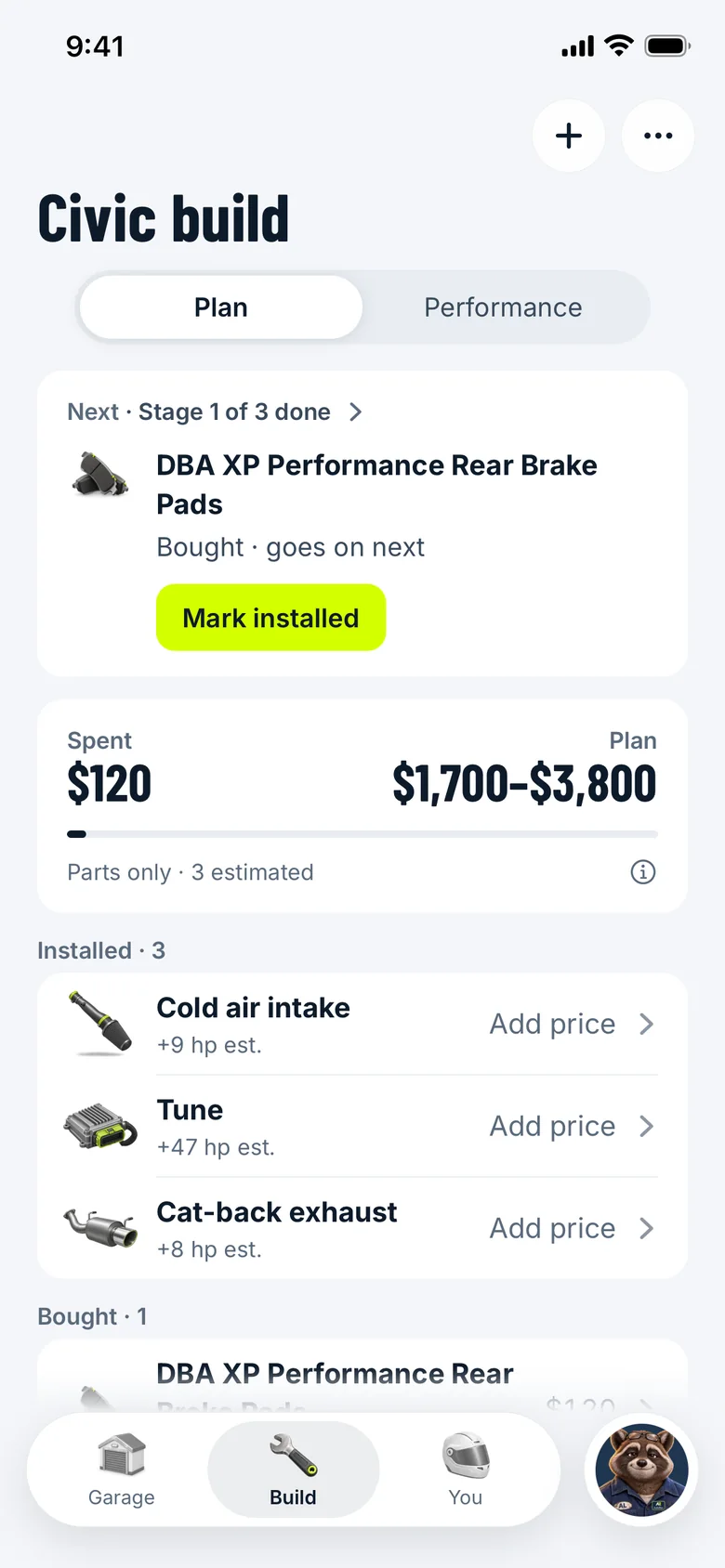
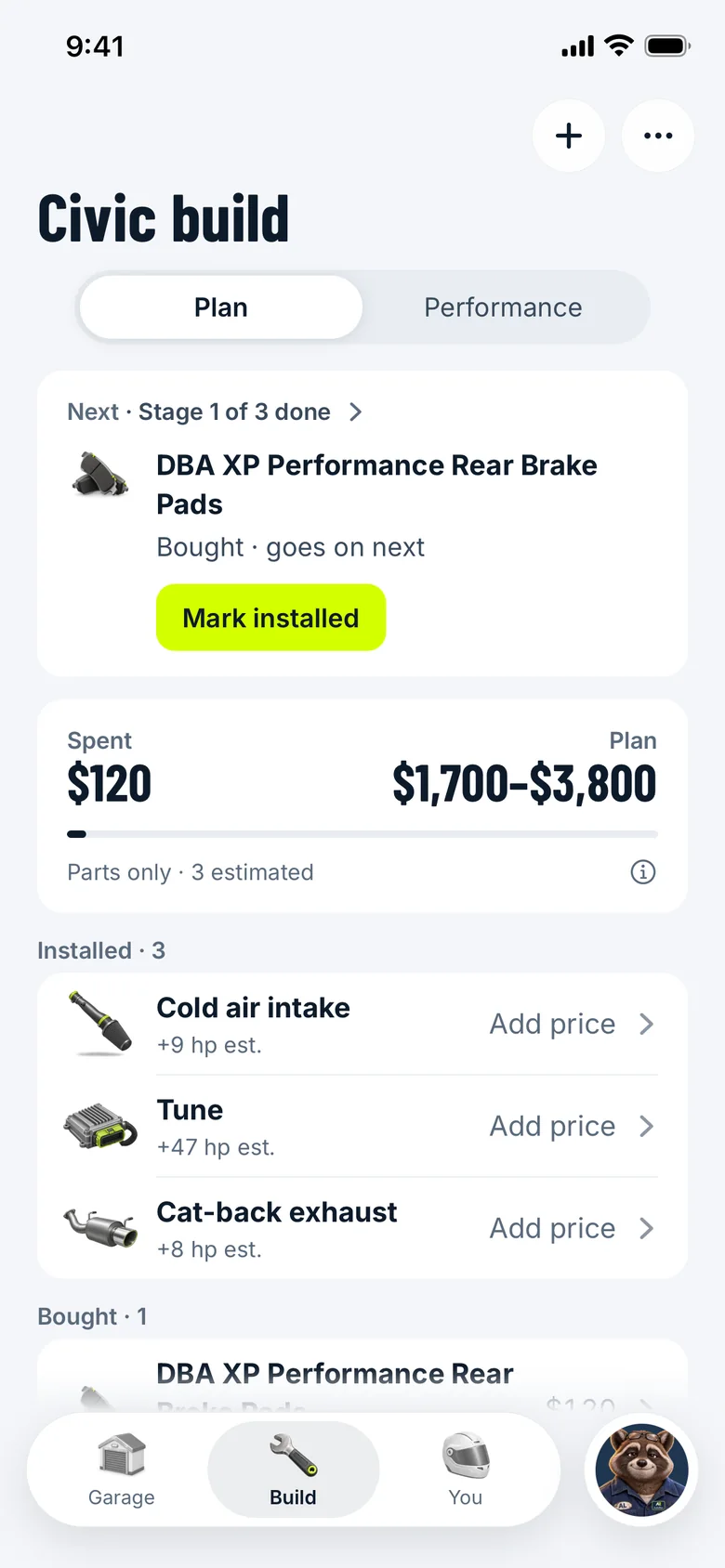
One build for each car, with every part marked planned, bought or installed, and Stages for the order to do them in.
Your build: planned, bought, installed, and what it costs
Parts for your exact car
Search, or browse the categories, and see parts checked against your car. Bought something that isn’t listed? Add it yourself.
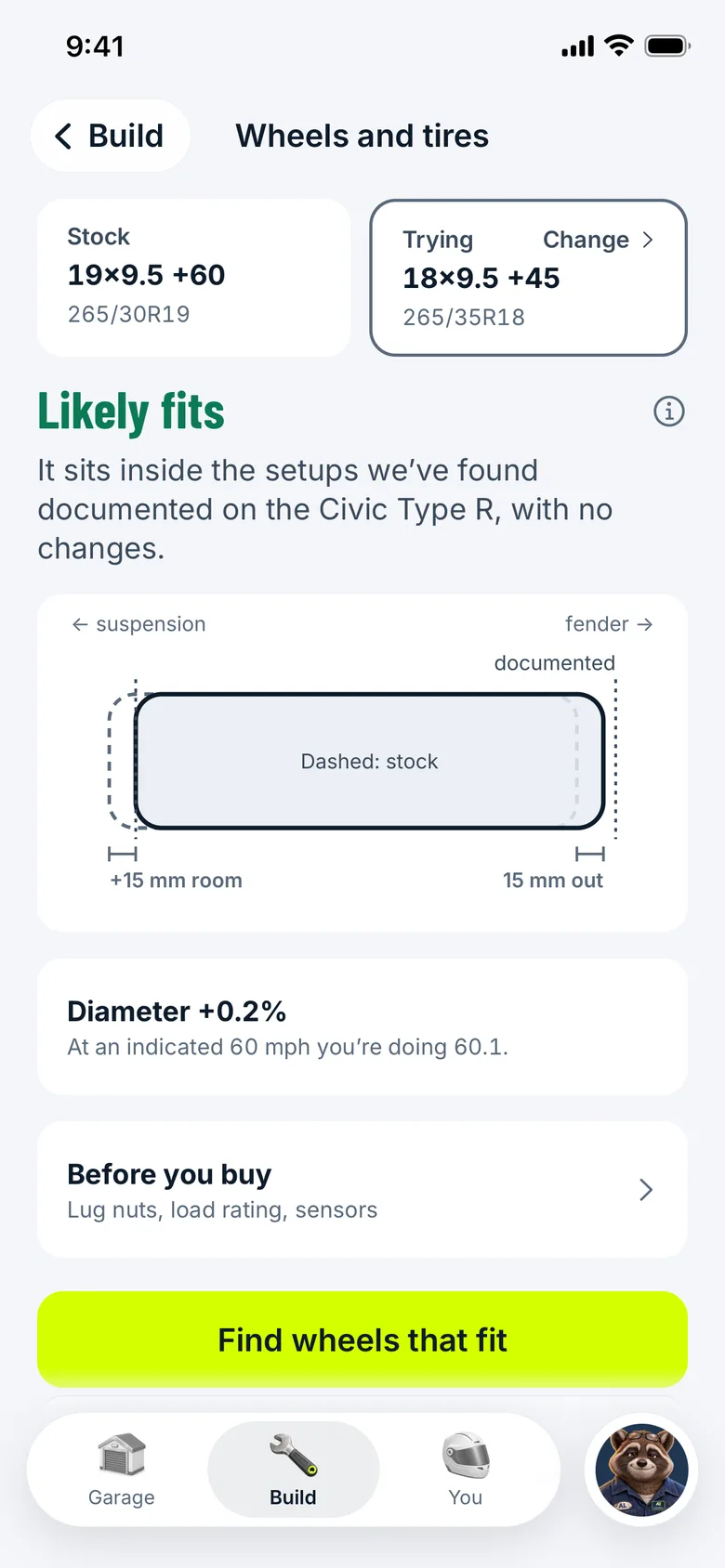
Wheels and tires: “Likely fits”, and why
What it does
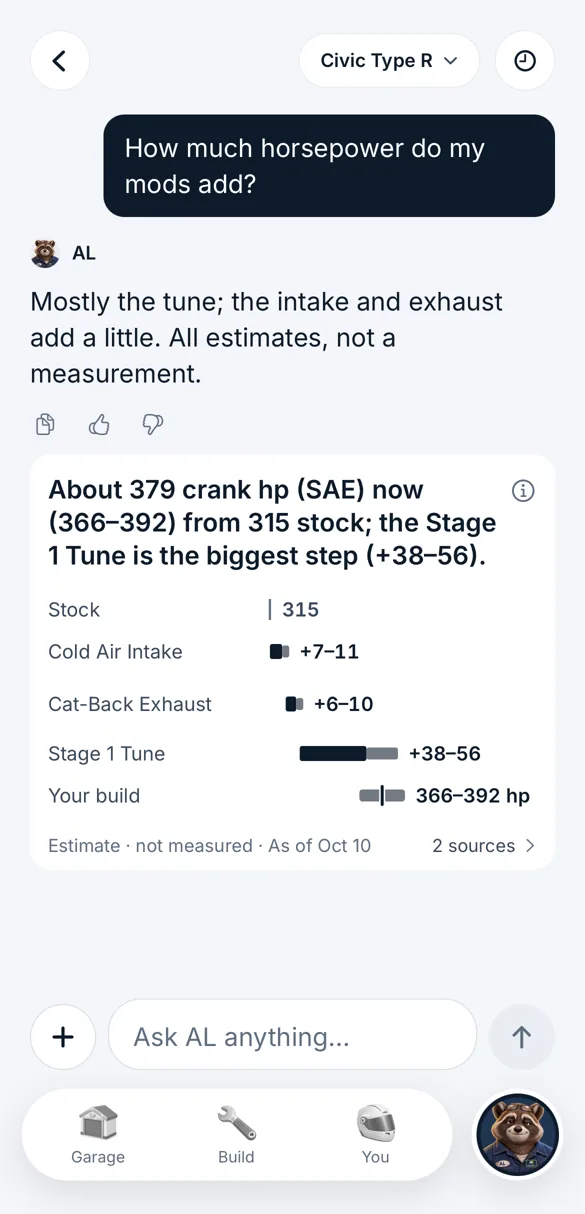
Power and torque as ranges against stock, labeled as estimates. Times stay at the published stock figure: no timed test backs a change. If your car’s stock power isn’t verified, the screen says so first.
What your mods add, as labeled estimates
Also
What it costs
What you’ve spent against your plan. A part without a price is never counted as $0.
Do it yourself, one step at a time
The job’s video, how hard and how long, what you’ll need, then step-by-step guides as we add them, one step per screen with the torque spec and its source. Or find a shop near you.
Whether it’s street legal
Emissions parts show their CARB executive order when one exists, or say plainly that legality isn’t verified.
More from the app
Real screens from the AutoRev app, with sample cars and data.
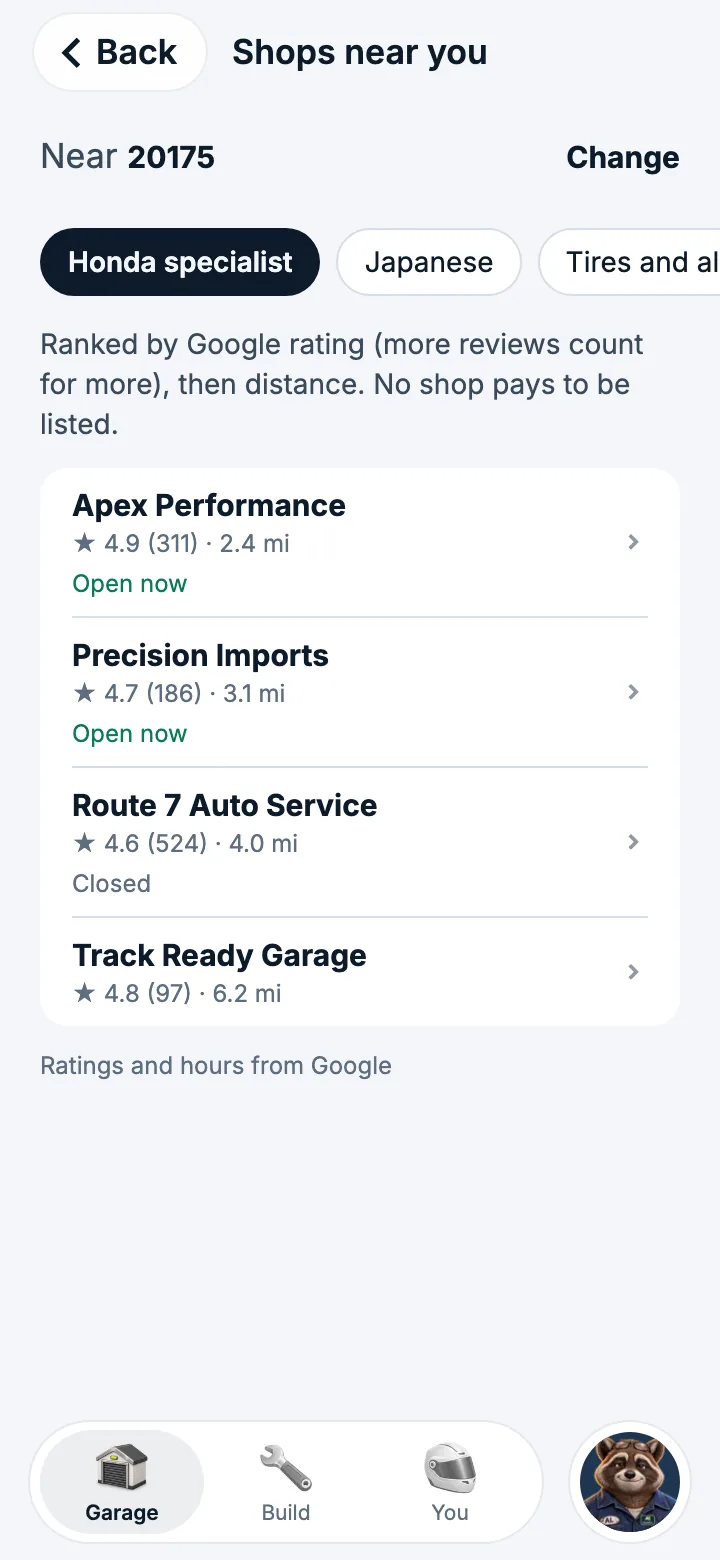
Rather not do it yourself? Shops near you

Every gain is an estimate, with how it was worked out.
How Build stays honest
- Fits your carA part says “Fits your car” only when its maker or a CARB EO names your car. A store listing says “Likely fits”, and owner installs are counted, never called a fit. With nothing, it says “Not verified”.
- Fits with a tuneParts that need something else say so: “Fits with a tune” or “Fits with other parts”.
- Gains are estimates and are labeled that way, with how each was worked out and that it wasn’t measured on your car.
- CARB EOLegality reads “CARB EO” with its number, “Off-road / track use only”, or “Not verified”. Never “CARB approved”.
- Typical for this jobInstall times are marked “Typical for this job” when they aren’t the part maker’s own.
- Fit not checkedA part in your build with no source for your car yet says “Fit not checked”.
- FitsIn the wheel and tire check, only your car’s factory size says “Fits”. Any other size that measures inside documented setups says “Likely fits”.
Questions owners ask
Will this part fit my car?
Every part shows a fit line for your exact car. “Fits your car” means its maker or a CARB EO names your car. “Likely fits” means a store lists it. “Not verified” means nobody does yet, and AutoRev says so instead of guessing.
What should my first mods be?
Ask AL. He answers for your exact car and its mods, in order and priced. Then add the parts to your build to see what they do together.
How much horsepower will my mods add?
Build shows power and torque as ranges against your car’s stock figures, labeled as estimates. 0–60 and quarter-mile times aren’t estimated: Build shows the published stock time, if there is one, and says no timed test backs a change. Tap (i) to see how the power estimate was worked out.
Is this exhaust or intake street legal in California?
For emissions parts, AutoRev shows the CARB executive order number when one exists. Without one, it says the part is not verified, or that it’s for off-road or track use only, and tells you to check for an EO for your state.
Can I install it myself?
Each job shows its video, how hard and how long, and the tools you’ll need, with step-by-step guides as we add them. If you’d rather not, find a shop near you.
Will my wheels and tires fit?
Check a wheel and tire setup against your car: how far it sits from the fender and the suspension, what changes on the speedometer, and the sources it was checked against.
Get it first.
AutoRev is coming to iPhone and Android. Join early access and we’ll tell you when it opens.